
In this post you will learn how to make some (tiny) changes in the Raspbian SD card image before writing it on the micro SD card. Assumptions You downloaded a Raspbian image (i.e. 2015-11-21-raspbian-jessie.img) You are using a computer running Ubuntu (or other linux distribution) Mount Raspbian partition You need to mount the Raspbian partition… Continue reading Raspberry Pi: Raspbian – Modify image
Connecting to remote SSH-server from within company firewalled network

Problem 1: Often company firewalls/web proxies only allow outgoing traffic to HTTP and HTTPS ports, but you also would like to connect to a remote SSH-server. A trick is to start the remote SSH-server at the port which is normally reserved for HTTPS-traffic. Most of the time it is in this way possible to connect… Continue reading Connecting to remote SSH-server from within company firewalled network
Raspberry Pi: First use
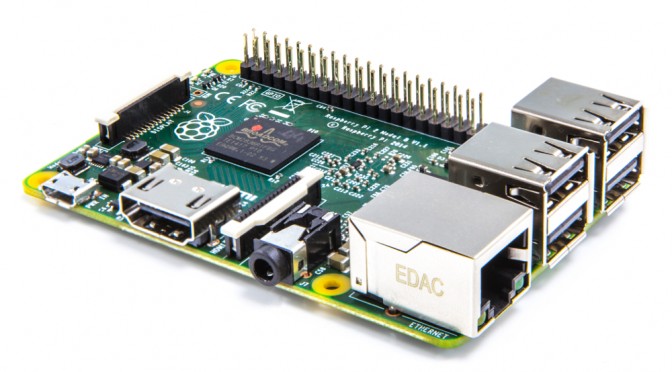
In this post I tell you what you need to know to use your Raspberry Pi for the first time. After following these steps, you are running Raspbian on a Raspberry Pi. Assumptions You are using Ubuntu (15.10) You are using a Raspberry Pi 2 Model B You can power up the Raspberry Pi… Continue reading Raspberry Pi: First use
Linux: Create a swap file

Running out of physical memory? Learn here how to create a swap file on linux. Baseline First check the baseline. It is possible that you have some swap already, like a swap partition (a dedicated disk partition only used for swap) or a swap file, like we are creating in this tutorial. Use the command:… Continue reading Linux: Create a swap file